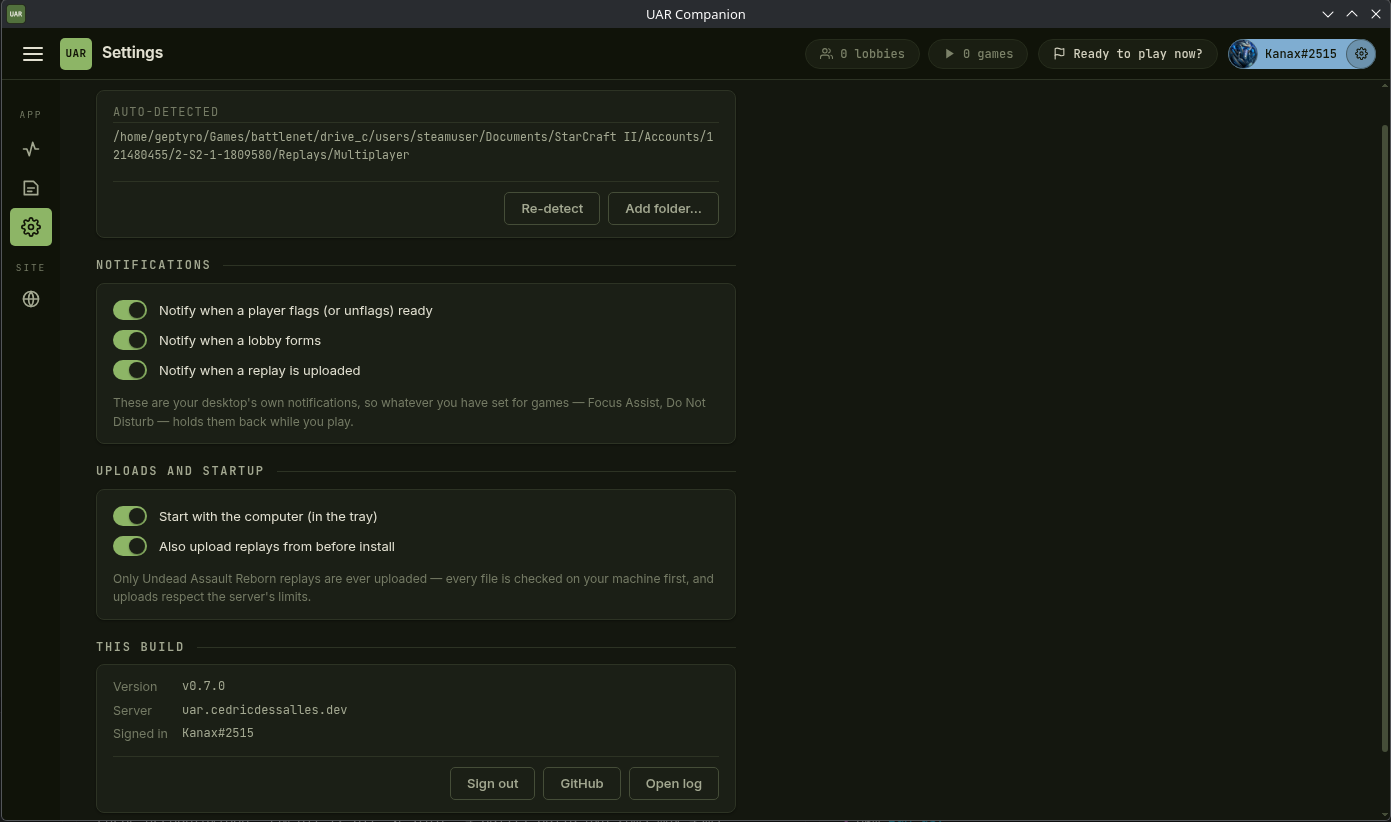
UAR Companion is a small app for your PC that keeps this site in sync with your play. It runs in the system tray and stays out of the way — install it once, sign in with Battle.net, and forget about it. It is free and open source: every line it runs is public on GitHub.
What it does
Uploads your replays
Every Undead Assault Reborn replay is sent here right after the game, so your profile, XP history and the leaderboards stay current without you uploading anything by hand.
Ready to play, from the tray
Flag yourself ready without opening the site, and get a desktop notification when someone else does. Joining a lobby or starting a game withdraws your flag automatically.
Live lobbies & games
See which UAR lobbies are forming and which games are running, with the players in each — the same chips you get in the top bar here, right next to your clock.
Stays up to date
The app checks for new versions on launch and installs them itself on Windows and Linux, so you are never left on a build the site has moved past.
Download v0.11.0
Builds are unsigned, so Windows SmartScreen shows a warning (“More info → Run anyway”) and macOS needs right-click → Open the first time. On Linux, make the AppImage executable (chmod +x) and install fuse2 if your distro doesn't ship it — or run it with --appimage-extract-and-run. Older versions are on the releases page.
What it sends
Only Undead Assault Reborn replays: every file is checked on your machine first, replays the site already has are skipped, and uploads are spaced out to respect the server. Lobby and game status is reported only while you are signed in, and only says whether you are in a lobby or in a game — it never reads anything else from StarCraft II. Sign out in the app and it stops immediately. You don't have to take any of that on trust — it is all in the source.